Jitter Click Test – Measure Your Click Speed (CPS) Online
Free online tool to test your jitter clicking speed, measure clicks per second, and improve your gaming performance
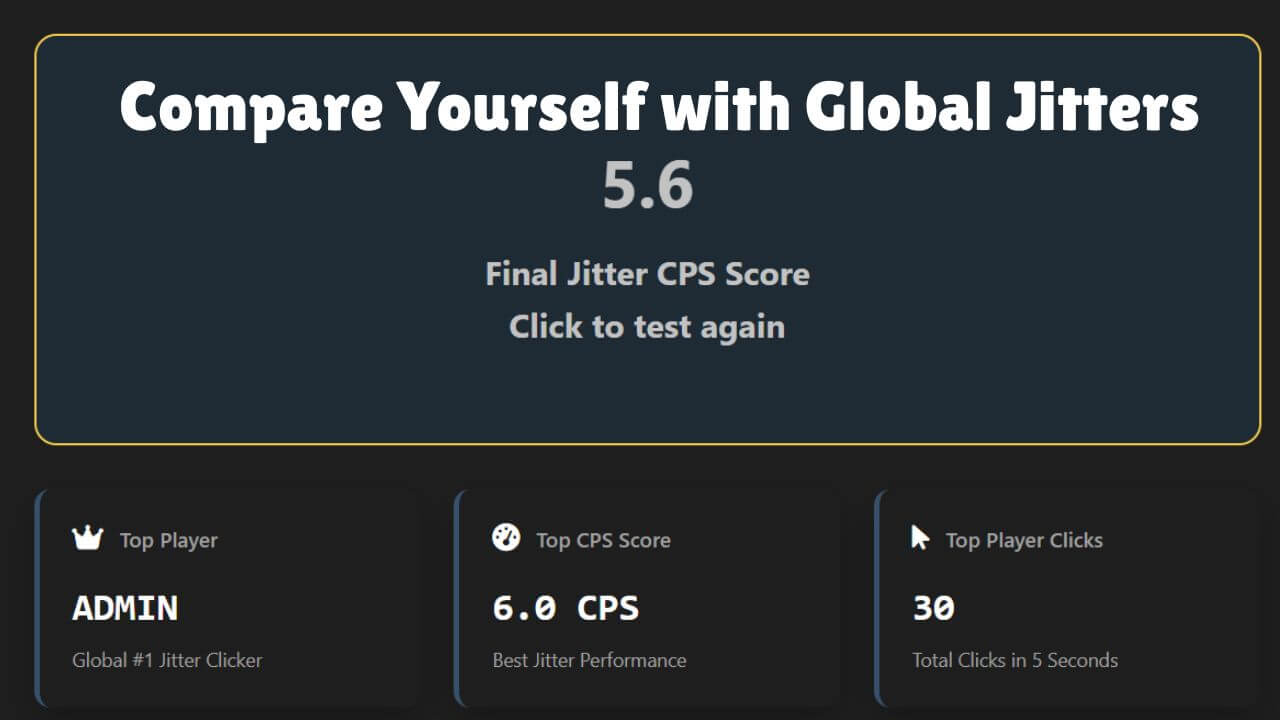
Jitter Click Speed Test
Top Player
Top CPS Score
Top Player Clicks
Jitter Click Leaderboard
| Rank | Player | Jitter CPS | Date |
|---|---|---|---|
| #1 | ADMIN | 6.2 CPS | Dec 20, 2025 |
| #2 | ADMIN | 6.0 CPS | Dec 19, 2025 |
| #3 | ADMIN | 5.8 CPS | Dec 19, 2025 |
| #4 | ADMIn | 5.8 CPS | Dec 23, 2025 |
| #5 | ADMIN | 5.6 CPS | Dec 19, 2025 |
| #6 | ADMIN | 5.6 CPS | Dec 19, 2025 |
| #7 | ADMIN | 5.6 CPS | Dec 20, 2025 |
| #8 | ADMIN | 5.4 CPS | Dec 20, 2025 |
| #9 | ADMIN | 5.4 CPS | Dec 20, 2025 |
| #10 | ADMIN | 5.4 CPS | Dec 20, 2025 |
Overview of the Jitter Click Test
The Jitter Click Test is a tool that measures how fast you can click your mouse with jitter clicking methods in a short period and it measures clicks per second (CPS) to help you practice.
This test method, invented by the Minecraft community, is a free online site that aims to exercise and measure the number of clicks you make over a given time interval, helping players understand how much they can improve with steady practice.
What is Jitter Clicking?
Jitter clicking is a gaming method used in fast-paced games like Minecraft and PvP, where players use small vibrations in the hand, arm, and wrist to click the mouse at high speed.
How to Jitter Click
Fingertip Grip Your Mouse
Use your fingertips to grip the mouse lightly so vibrations from your forearm travel into your hand and help you click smoothly.
Tense Your Forearm and Vibrate Your Fingers
The key is tensing the arm so it vibrates, sending motion to your fingertips; lower sensitivity helps reduce erratic aim.
Use a Support Finger (Optional)
Adding a second finger can improve stability and make clicking easier during fast bursts.
Lower Your In-Game Sensitivity
Keep sensitivity low to control movements and avoid unnecessary shake while practicing.
Arm Aim, Don't Wrist Aim
Use your arm to aim, not your wrist; with practice, clicks per second rise and shaking becomes less visible.
How to Perform a Jitter Click Test
Access the Tool
To begin the jitter click test, you first Visit the website and Access the Tool through the test tool page.
Default Time Setting
The Default Time Setting is usually set to 10 seconds, but you can adjust the duration if needed.
Start the Test
Press the large Start button in the center of the screen to Begin Clicking as fast as possible while the timer runs.
Begin Clicking
The moment you make a mouse click in the designated zone, the timer will start, and your goal is to earn many clicks in the allotted time as the seconds count down.
View Results
View the Results showing your clicks per second (CPS) with total rate and performance displayed, and change interval, options, or mode from the menu to refine your clicking pace.

How to Choose the Right Mouse for Jitter Clicking?
Durability
A good mouse for jitter clicking should stay durable and reliable even under fast and hard clicks. It needs to last longer and handle pressure over time, helping you perform better in games like Minecraft and PvP where every moment matters.
Mechanical VS Optical Switch
Mechanical switches send an electrical signal, while optical switches use a beam of light that reacts faster and feels more responsive. For jitter clicking, the faster signal often gives a smoother and more effective experience.
Mouse Weight & Durability
A lighter mouse with precise movements reduces fatigue and makes fast clicking easier. Strong materials and solid construction help the mouse withstand long, intense sessions.
Sensor Type
A good sensor provides strong accuracy, DPI, and responsiveness, ensuring each click is registered correctly without delay. Modern technology improves precision and overall feel.
Switch Type
Your switches should offer the right feedback, quick response, and low actuation force. Both mechanical and optical options work, but the feel of each press can impact control and speed.
Shape and Ergonomics
A comfortable grip, proper shape, and support for your hand. Whether palm, claw, or fingertip. Reduces strain and improves control. A design that fits your style helps you stay consistent at high speed.
Jitter Click Alternatives
Many players look for alternative clicking techniques and two of the most popular methods are Butterfly Clicking and Drag Clicking.
In Butterfly Clicking, a player uses two fingers to quickly strike the mouse, generating rapid finger movements to achieve more clicks in a short time. This technique is efficient and gives more control, though it can be controversial since some competitions do not accept scores gained by the butterfly method.
Another method is Drag Clicking, where a sticky finger slides across the mouse to register hundreds of clicks per second, allowing players to drag and produce a high score. This style is popular in gaming, especially among gamers who want higher CPS and often use special gaming mice.
In comparison, regular clicking averages 7-9 CPS, while Jitter Clicking can reach 12-14. Both Butterfly and Drag Clicking may reach 20-25 or even 50-100 CPS, making them strong alternatives for improving speed.
Injuries Caused by Jitter Clicking
Using jitter clicking or fast clicking techniques in games can increase the risk of physical injuries, especially when players use them too aggressively. Methods like Butterfly or Drag clicking add extra friction on the joints, and doing them continuously may even cause arthritis over the long run.
Common medical issues include Carpal Tunneling, numbness, pain, and weakness in the arm when the median nerve becomes compressed. Even advanced clicker players are aware that pushing the skill too fast sometimes causes harm.
Because the motions are rapid and repetitive, they can lead to strain, overuse, or tendinitis. Taking regular breaks, following ergonomic habits, and doing light stretching helps minimize risks and maintain better gaming performance.
FAQs About Jitter Click Test
What Is Jitter Clicking Average CPS?
Jitter clicking usually achieves 8–14 CPS for most players. Skilled players can reach 20+ CPS with practice. It is faster than regular clicking (3–9 CPS) but harder to control and can cause strain. Lower CPS is easier to maintain accurately.
What Is Good Jitter Clicking Speed?
A solid jitter clicking speed is 10–14 CPS. Skilled players can reach 15–20+ CPS, while extreme cases may hit the 30s. It is commonly used for quick bursts in games like Minecraft and is achieved by vibrating hand or finger muscles.
Which Are The Best Mice For Jitter Clicking?
Popular mice for jitter clicking include the Razer Viper Mini for its lightweight design, Glorious Model O for fast clicking, Logitech G Pro Wireless for high-end performance, and Razer DeathAdder Elite for ergonomic comfort. Your grip style and hand size also affect performance.
How To Jitter Click On Any Mouse?
To jitter click on any mouse, tense your forearm to create vibration and let that vibration make your finger tap the button rapidly. Avoid moving your finger by itself, keep a slight arch in your hand position, and add a small, steady hand bob for consistency.
How To Jitter Click On Mobile?
Jitter clicking on mobile involves tensing your forearm to create vibration on the screen while tapping in a small, controlled area. The taps come from muscle tension rather than finger speed. Practicing the vibration on a surface first helps, and while it’s harder than using a mouse, it’s possible with practice.
What's the difference between jitter clicking and butterfly clicking?
Jitter clicking relies on arm vibration and usually reaches 12–14 CPS, making it more widely accepted. Butterfly clicking uses two fingers alternating to reach 20–25 CPS and may be restricted in tournaments. Jitter clicking is more physically demanding, and both techniques require practice to master.
Can jitter clicking damage my mouse?
Yes, jitter clicking can wear out mouse switches faster due to rapid and forceful clicks. Using mice with durable mechanical switches helps, and taking regular breaks during practice is important. Proper technique can also reduce excessive force and extend mouse lifespan.